
Software
Who actually writes it?
AI drafts, a separate review decides
A person decides what is built. Every change is independently reviewed and tested before it ships.
Anyone can ask AI for an app. Making one that is safe, that fits your business and that grows with it takes specialists. We are the AI specialists, for businesses anywhere in the world.
Turn it into a
Every business has a spreadsheet like this one. Press a button to see what replaces it.
| A | B | C | D | E |
|---|---|---|---|---|
| Mrs Okafor | 09:00 | Cut+colour | 65 | paid |
| D. Whitlow | 10:30 | Trim | 18 | ?? |
| same lady | 12:00 | colour | 65 | cash? |
| Priya (resc) | 2pm | Cut | 22 | paid |
| 15:15 | Beard | 12 | unpaid | |
| J Mensah | 16:00 | Cut+beard | 30 | paid |
Today
Tuesday, 6 jobsOutstanding
3 overdueBelow minimum
reorder before FridayBuilt by the same people with the same tools. Most are free, so try one now.
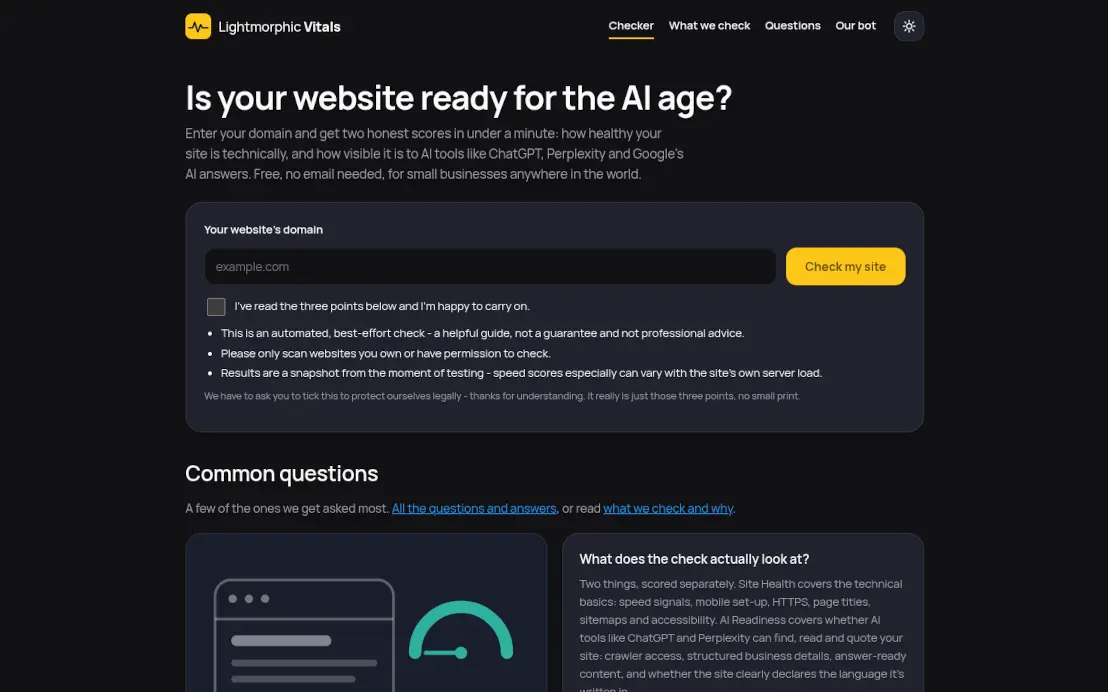 Lightmorphic VitalsFree website health and AI check.
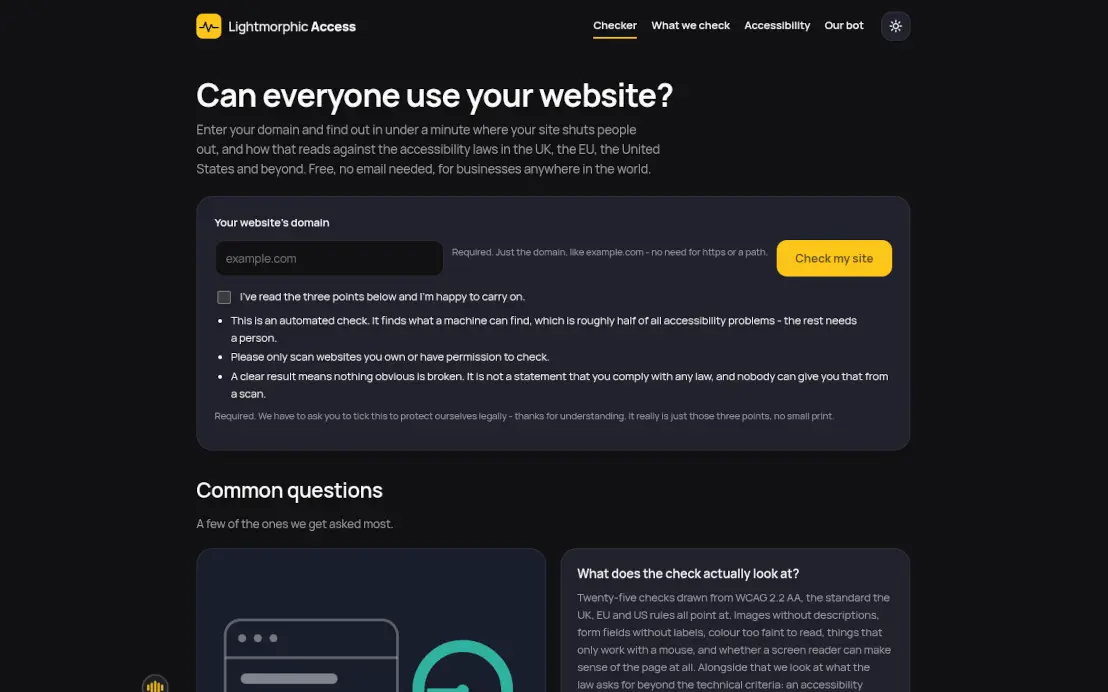 Lightmorphic AccessFree accessibility checker.
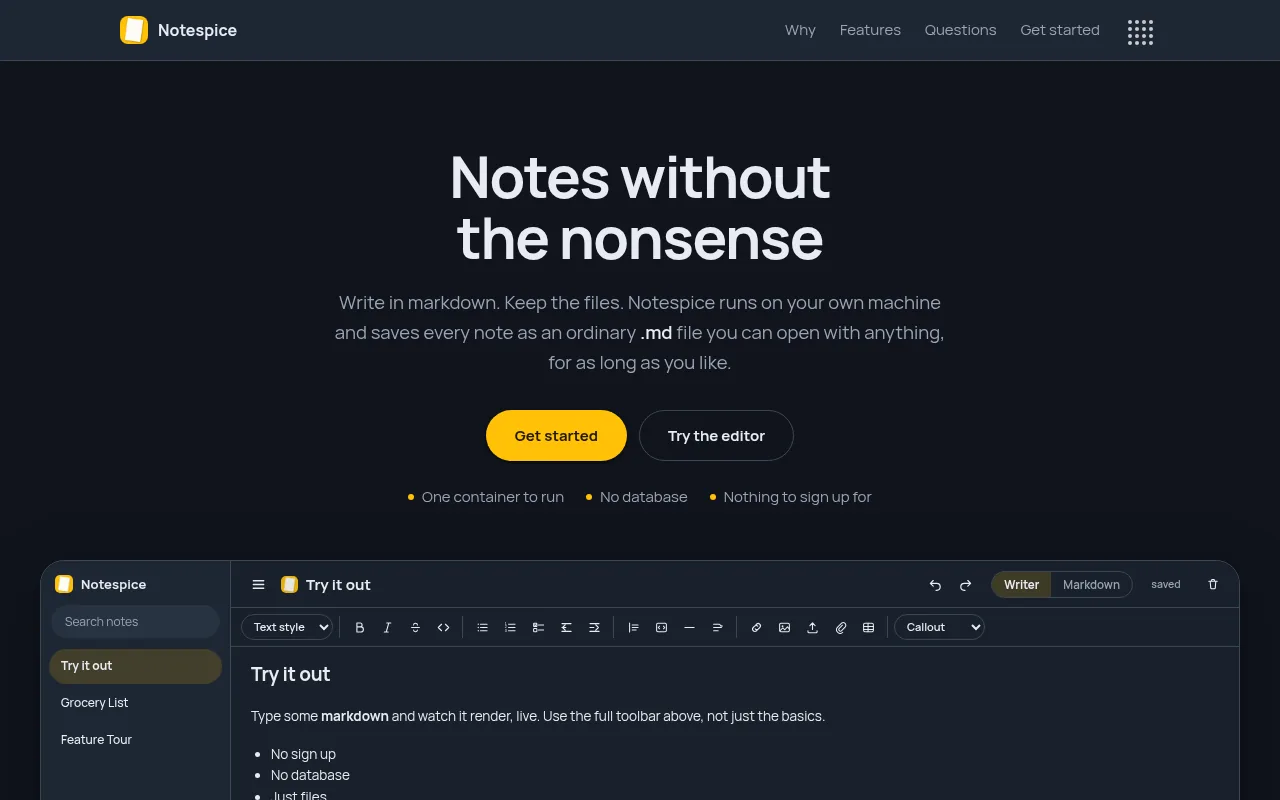 NotespiceSelf-hosted notes as plain files.
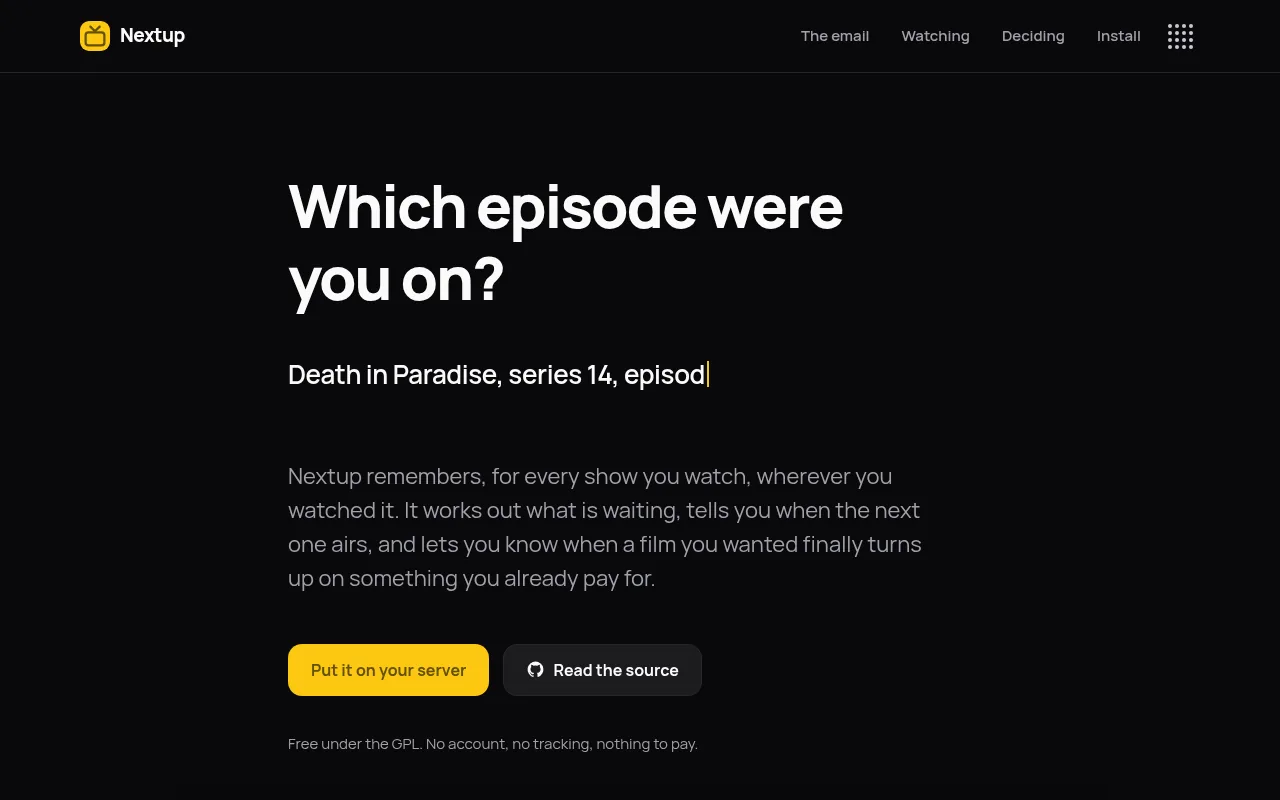 NextupRemembers which episode you are on.
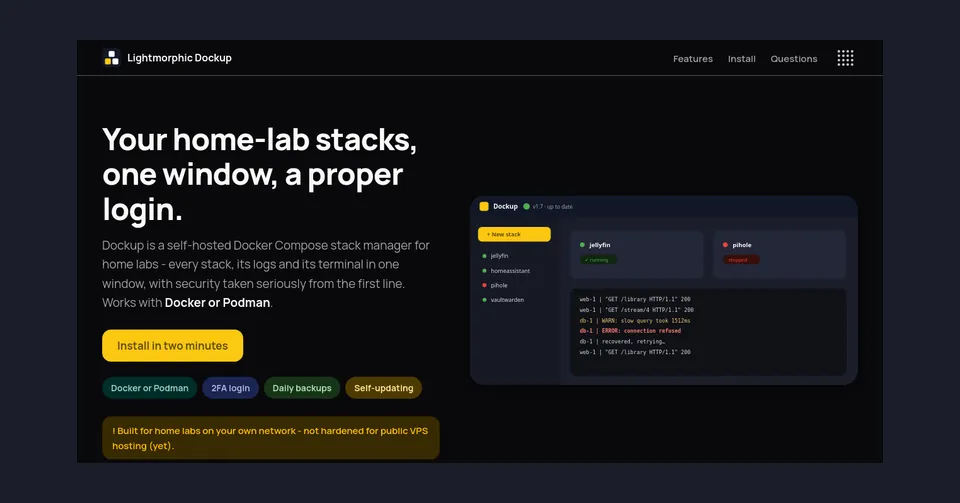 Lightmorphic DockupDocker Compose manager for home labs.
 Lightmorphic PasteBrowser extension for lines you paste often.
Secure and very fast, and hosted by us.
We build both, on a base already written and tested.
Built around your business today, and changed as your business changes. A fixed quote in writing, with a completion date.
What we buildHosting, contact form and live chat included. Your site needs no cookie banner, because it sets no cookies.
What comes with oneAsking AI for an app is the easy part. Knowing what it got wrong is the job.
The repetitive part takes minutes of machine time, not weeks.
Every change goes through 42 separate checks before it ships. Every finding is fixed, even the ones that look minor, because a few minor faults put together can make a serious one.
If we misjudge how long it takes, that is our problem, not yours.
In your own words. No specification needed.
Fixed, with a completion date, in writing.
Log in early and say what is wrong.
Online software, ready to use. Your data stays yours.
Twenty-five answers in five topics, in plain words.
AI drafts, a separate review decides
A person decides what is built. Every change is independently reviewed and tested before it ships.
Yes, in full
We do not hand it over and say goodbye. We keep it running, safe and secure, with updates and fixes, as part of an annual maintenance subscription. Your data is always yours.
Written down, with a completion date
The quote is agreed before work starts. It changes only if you ask for something that was not in your description, and we tell you first.
You take your data
All exportable, and no notice period.
11,000+ in one year
New WordPress vulnerabilities were catalogued in a single year, which is why it needs constant updating. Our sites are built to be secure and very fast, without that upkeep.
Global, and it makes no difference
Registered in England and Wales, with everything done remotely. Where you are makes no difference to how quickly we answer.
No specification needed, and usually an answer back the same week.
Tell us what you needGenerated pictures are now very easy to make. Type a sentence, wait a few seconds, and you have a bright, tidy image of a café interior or a smiling plumber. It costs nothing and it never needs a good hair day. So the question we get asked most often about images is a fair one: why bother with real photos at all?
The short answer is that it depends on what the picture is for. Some parts of a website are fine with a generated image, and some parts are quietly damaged by one. This post goes through which is which, then covers how to take photos on a phone that are good enough to use, and what the file sizes and formats actually mean.
A generated image is a decoration. Treated as one, it does its job. Nobody is misled by an abstract pattern at the top of a page or a soft background behind a heading. In our experience these uses are perfectly reasonable:
The test is whether the picture is making a claim. A texture makes no claim. A photo of a kitchen on a kitchen fitter's website makes a very clear one: we made this.
The problem with a generated image of your shop, your team, your food or your work is that it is a small lie, and customers are good at spotting small lies even when they cannot name them. Generated people have a particular smoothness. Generated food is a little too glossy. Generated shopfronts have signs with letters that almost spell something. People notice, and once they notice they wonder what else on the page is not real.
It also fails on the practical level. Someone looking for a hairdresser wants to see the actual chairs and the actual results. Someone choosing a café wants to know whether it has the sort of tables they like. A generated picture answers none of that. It is a picture of a hairdresser that does not exist, on a page about one that does.
And there is a newer reason. AI assistants that read websites to recommend businesses cannot see images at all. They read the text around them and the descriptions attached to them. A real photo with a plain caption, "the front of the shop on Fore Street", tells the assistant where you are. A generated image with no caption tells it nothing. Real pictures come with real facts attached; generated ones do not.
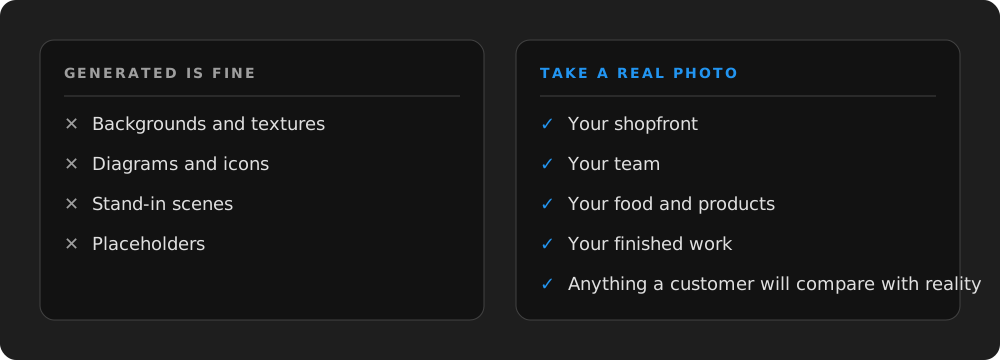
A generated picture of your shop is a picture of a shop that does not exist.
You do not need a camera or a photographer. A phone from the last few years takes better pictures than most of the equipment professionals used a decade ago. What makes the difference is light, tidiness and a bit of patience. Here is what we tell clients:
For food, shoot from directly above or from a low angle at the side, near a window, before anyone has touched the plate. For finished work, photograph it the moment it is done and before the customer's own things go back. That is the only day it will look like that.
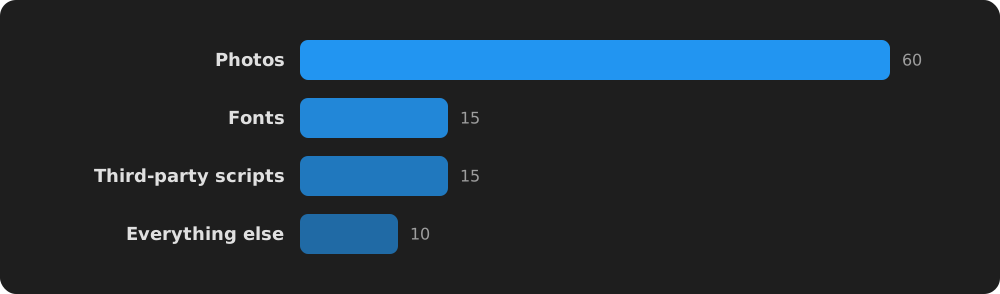
A phone photo comes off the camera at several megabytes. Put twenty of those on a page and it will take a long time to load on a mobile signal, and slow pages lose visitors and rank lower in search. So every image needs shrinking before it goes on a site. Here is roughly what the words mean:
| Term | What it means | What to aim for |
|---|---|---|
| Pixels | The width and height of the picture | About 1600 wide for a big banner, 800 for a normal photo |
| File size | How much data it is | Under 200 KB for most photos, under 400 KB for a banner |
| JPG | The usual format for photos | Fine for anything with real colours and gradients |
| PNG | A format for flat graphics and logos | Logos, icons, screenshots; not photos, it makes them huge |
| WebP | A newer, smaller format | Same picture, roughly a third smaller; all modern browsers show it |
| Alt text | A short written description | One plain sentence saying what is in the picture and where |
You do not have to do the shrinking yourself. Most website systems, ours included, resize and convert images when they are uploaded and serve the right size to each screen. What you do have to do is write the alt text, because nobody else knows that the picture is "the workshop on Station Road" rather than just "workshop".
Pick a bright morning. Tidy the shop or the van or the workshop. Take a wide shot from outside, two or three inside, one of each person on the team doing something, and close-ups of whatever you sell or make. Then pick the best dozen. That is enough for a whole site, and it will be worth more than a hundred generated images because every one of them is true.
We take or sort photos for the sites we build, and we shrink and caption them as part of the job. But the raw pictures are always better when they come from you, on an ordinary day, in your own light. If you have got a quiet week in August, it is a good time to get them done before the shop fills up again in September.