Software
Who actually writes it?
AI drafts, a separate review decides
A person decides what is built. Every change is independently reviewed and tested before it ships.
Anyone can ask AI for an app. Making one that is safe, that fits your business and that grows with it takes specialists. We are the AI specialists, for businesses anywhere in the world.
Turn it into a
Every business has a spreadsheet like this one. Press a button to see what replaces it.
| A | B | C | D | E |
|---|---|---|---|---|
| Mrs Okafor | 09:00 | Cut+colour | 65 | paid |
| D. Whitlow | 10:30 | Trim | 18 | ?? |
| same lady | 12:00 | colour | 65 | cash? |
| Priya (resc) | 2pm | Cut | 22 | paid |
| 15:15 | Beard | 12 | unpaid | |
| J Mensah | 16:00 | Cut+beard | 30 | paid |
Today
Tuesday, 6 jobsOutstanding
3 overdueBelow minimum
reorder before FridayBuilt by the same people with the same tools. Most are free, so try one now.
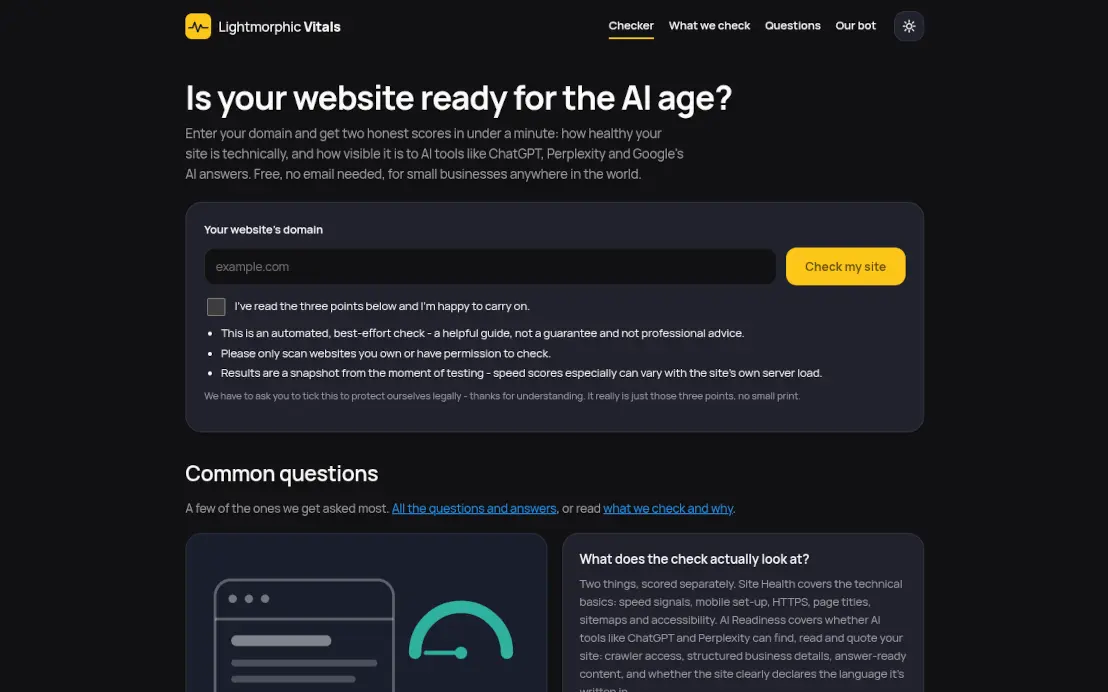 Lightmorphic VitalsFree website health and AI check.
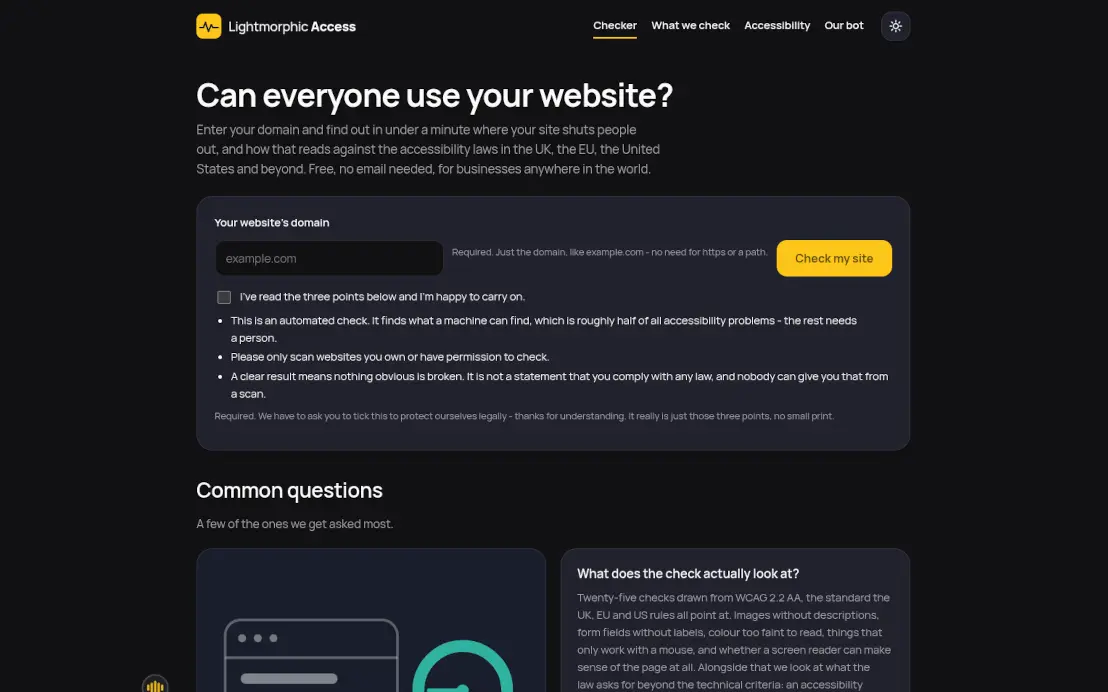 Lightmorphic AccessFree accessibility checker.
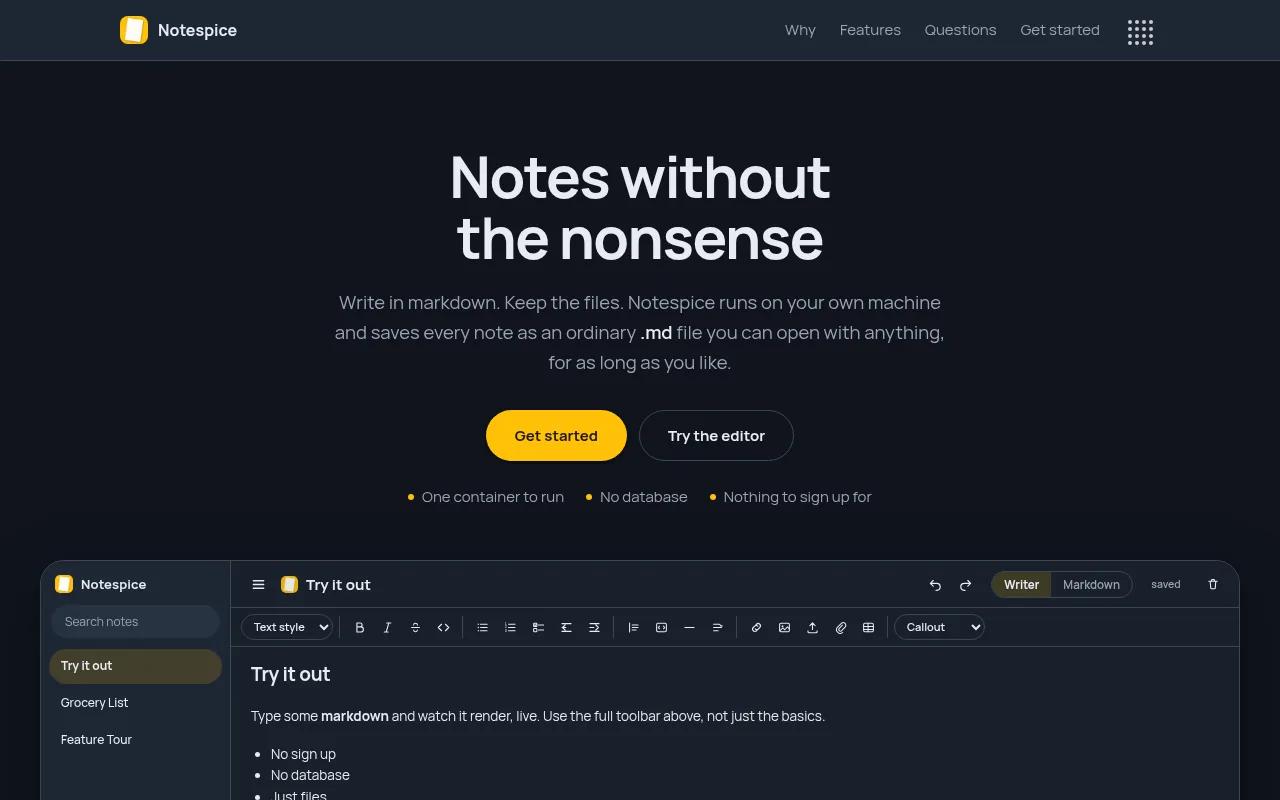 NotespiceSelf-hosted notes as plain files.
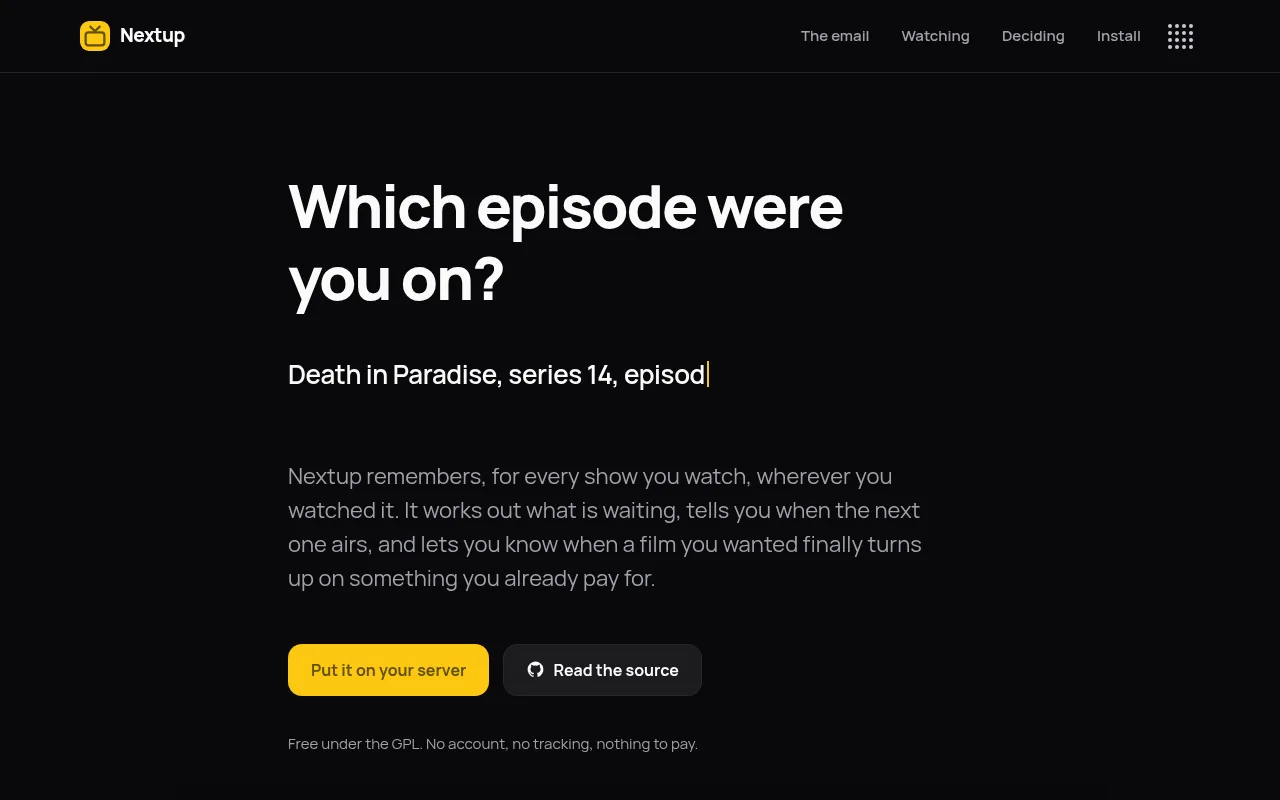 NextupRemembers which episode you are on.
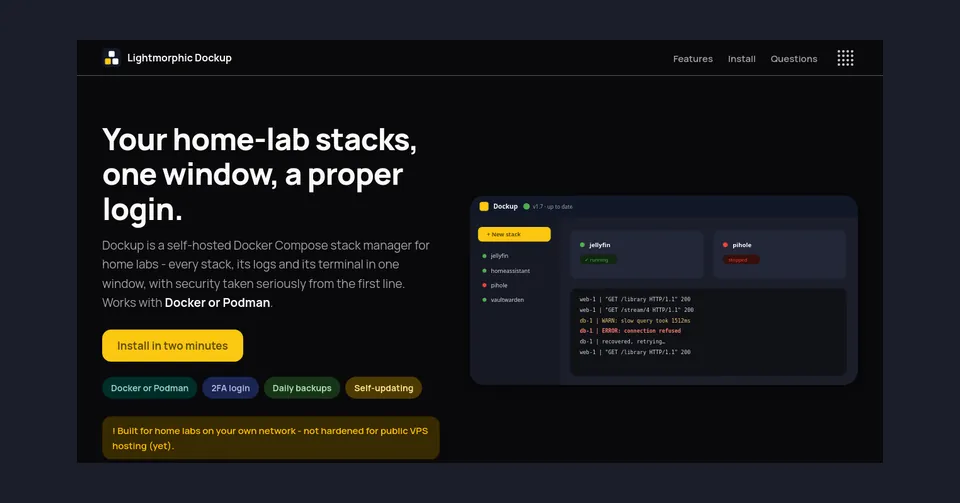 Lightmorphic DockupDocker Compose manager for home labs.
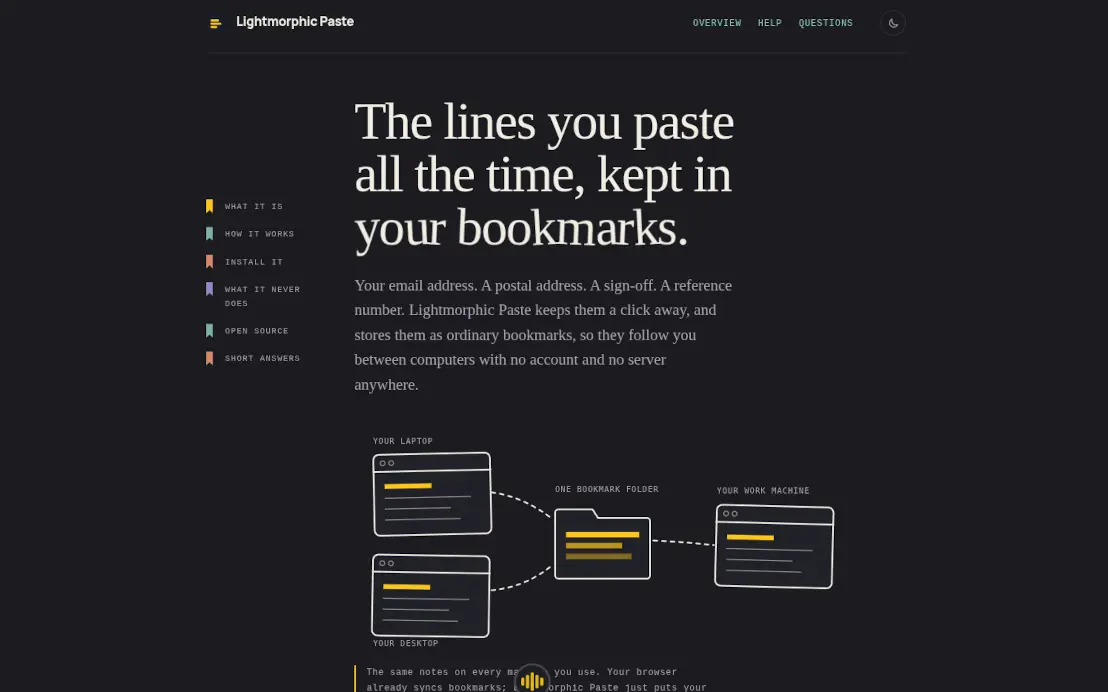 Lightmorphic PasteBrowser extension for lines you paste often.
Secure and very fast, and hosted by us.
We build both, on a base already written and tested.
Built around your business today, and changed as your business changes. A fixed quote in writing, with a completion date.
What we buildHosting, contact form and live chat included. Your site needs no cookie banner, because it sets no cookies.
What comes with oneAsking AI for an app is the easy part. Knowing what it got wrong is the job.
The repetitive part takes minutes of machine time, not weeks.
Every change goes through 42 separate checks before it ships. Every finding is fixed, even the ones that look minor, because a few minor faults put together can make a serious one.
If we misjudge how long it takes, that is our problem, not yours.
In your own words. No specification needed.
Fixed, with a completion date, in writing.
Log in early and say what is wrong.
Online software, ready to use. Your data stays yours.
Twenty-five answers in five topics, in plain words.
AI drafts, a separate review decides
A person decides what is built. Every change is independently reviewed and tested before it ships.
Yes, in full
We do not hand it over and say goodbye. We keep it running, safe and secure, with updates and fixes, as part of an annual maintenance subscription. Your data is always yours.
Written down, with a completion date
The quote is agreed before work starts. It changes only if you ask for something that was not in your description, and we tell you first.
You take your data
All exportable, and no notice period.
11,000+ in one year
New WordPress vulnerabilities were catalogued in a single year, which is why it needs constant updating. Our sites are built to be secure and very fast, without that upkeep.
Global, and it makes no difference
Registered in England and Wales, with everything done remotely. Where you are makes no difference to how quickly we answer.
No specification needed, and usually an answer back the same week.
Tell us what you needThere is a version of accessibility that arrives as a widget. A little icon in the corner of the site, usually a stick figure in a circle, that opens a panel of toggles for bigger text and higher contrast. It is bolted onto a site that was not built with any of this in mind, and it is meant to make the problem go away. It does not, and most people who actually rely on accessibility features will tell you they find those widgets more of a nuisance than a help.
Real accessibility is not a widget. It is a handful of decisions made while the site is being built, most of which cost nothing and several of which make the site better for everybody. It also happens to be, almost line for line, what the AI assistants need in order to read your site properly. So there are two reasons to get it right, and the rules are tightening across the UK and Europe, which makes three.
There are long, detailed standards for this, and a big organisation has to work through all of them. A small business site does not need to start there. In our experience, if a site gets these six things right, it is ahead of nearly every competitor and most of the way to any standard it will be measured against.
Beyond those six, the things that come up most are proper headings in the right order, links whose wording says where they go rather than "click here", and nothing that flashes or moves without a way to stop it.
This is the part that surprises people. When an AI assistant fetches your site to answer a question, it does not look at the page the way you do. It cannot see that the big blue thing is a button or that the photo is of your shop front. It reads the underlying structure: the headings, the text, the labels on the pictures, the labels on the form fields, the order things come in. In other words, it reads your site the way a screen reader reads it to a blind visitor.
So every accessibility fix is also a readability fix for machines. Alt text tells the assistant what your pictures show. Real form labels tell it what your contact form asks for. Headings in order tell it how the page is organised. Captions tell it what you said in the video. A site that a screen reader can navigate is a site an AI can summarise, and a site that confuses one will confuse the other.
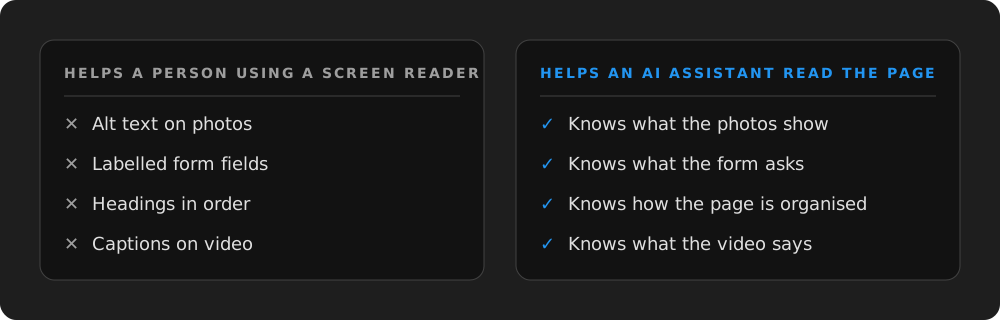
Build a site a screen reader can follow and you have built one an AI can quote.
For a long time accessibility law in practice applied mostly to public bodies and very large companies. That is changing. Across the UK and Europe the requirements are being extended to more kinds of business and more kinds of service, and the direction of travel is clear: a website that sells or books or takes enquiries is expected to be usable by everyone. We are not going to quote you chapter and verse, because the details differ by country and are still moving. The practical point is that a site built to the basics above is on the right side of it, and a site with a widget bolted on is not.
There is also the plain business case. A meaningful share of adults have some difficulty with sight, hearing, movement or reading. Many more have reading glasses they have left in the car. A site they cannot use is a customer you have lost, quietly, without ever hearing about it.
You do not need special software for a first pass. Most of it you can do with what is already on your desk.
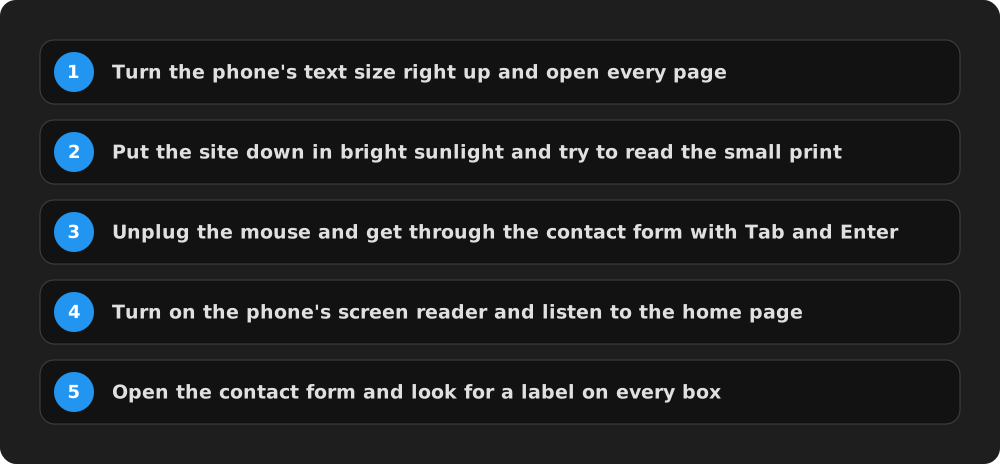
A few notes on those. The screen reader is built into every phone and can be switched on in the accessibility settings; listening to your own home page for two minutes is the single most eye-opening thing you can do. If you hear "image, image, image" or "link, link, link", those are pictures with no alt text and links that say nothing. If you Tab through the site and the highlight vanishes, or jumps somewhere odd, that is a keyboard problem. And if the contact form's boxes only say what they are for while they are empty, they need real labels.
For a second pass there are free browser tools that check contrast and flag missing labels automatically. They will find things you cannot see. They will not find everything, so do the human checks first.
All of this is cheap to do at the start and expensive to retrofit. Choosing a text colour with enough contrast costs nothing. Going back through a hundred pictures to add alt text later is a slog. Writing a form with proper labels takes a minute. Rebuilding a custom form that was made of the wrong parts is an afternoon. That is why the widget approach is so tempting and so hollow: it is what you reach for when the work was skipped.
We build every client site to these basics as a matter of course, and we check contrast, keyboard use and labels before anything goes live, because the same checks are what make the site readable to the AI assistants we are building for anyway. The two goals are the same goal.
If you are getting a site built this autumn, or having one refreshed before the Christmas trade, ask whoever is building it to show you the site with the mouse unplugged and the screen reader on. It takes five minutes and tells you almost everything. And if your existing site fails the afternoon check above, the six things in this post are the list to hand to whoever looks after it. None of them is hard. All of them are worth it.